


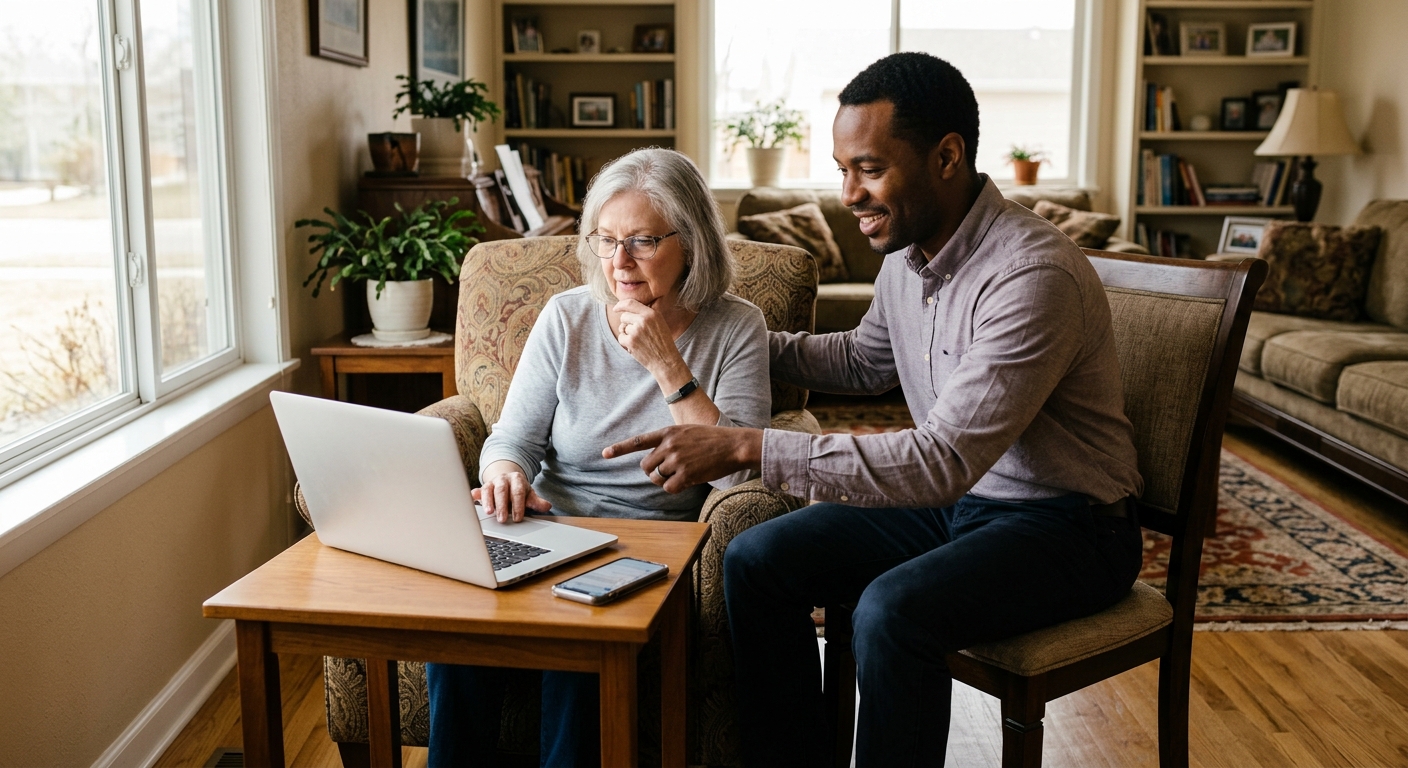
The internet can make everyday life easier for older adults. Seniors can use smartphones, email, social media, online banking, shopping websites, and video calls to stay connected, manage daily tasks, and communicate with family and friends.
Unfortunately, scammers also use these technologies to target people online.
Online scams can look surprisingly convincing. A message may appear to come from a bank, delivery company, government agency, technology company, friend, or even a family member. Scammers often try to create urgency or fear so the person acts before taking time to verify the situation.
Learning how to recognize common warning signs can help older adults and their families stay safer online.
Why Older Adults Should Be Careful Online
Scammers often rely on trust and urgency rather than sophisticated technology alone. They may contact someone through email, text messages, social media, phone calls, or pop-up messages.
A scammer may claim that:
- An account has been compromised
- A payment is overdue
- A package cannot be delivered
- The person’s computer has a virus
- A family member needs emergency financial help
- The person has won a prize
- A government payment or benefit is available
- An investment opportunity is available
- Immediate action is required
The goal is often to convince the person to provide personal information, send money, click a harmful link, or give someone access to an account or device.
10 Warning Signs an Online Message May Be a Scam
1. The Message Creates a Sense of Urgency
Be cautious when a message says things like “act immediately,” “your account will be closed today,” or “you must respond within the next hour.”
Scammers use urgency to prevent people from stopping to verify the information.
If something seems urgent, take a moment to slow down and check whether the message is legitimate.
2. Someone Requests a Password or Security Code
Legitimate organizations generally have established processes for account verification, but unsolicited requests for passwords, PINs, or one-time security codes should raise concerns.
Never share a security code simply because someone claims to be from your bank, technology company, or another organization.
If you receive a suspicious request, contact the organization using a phone number or website you already know is legitimate.
3. You Are Asked to Send Money in an Unusual Way
Be extremely cautious if someone asks for payment through unusual methods, including gift cards, cryptocurrency, wire transfers, or other difficult-to-recover payment methods.
Scammers may also pressure victims to send money immediately.
Stop and verify the request independently before sending any money.
4. The Message Contains a Suspicious Link
A message may contain a link that appears to lead to a familiar company.
Instead of clicking the link, open your web browser and type the company’s official website address yourself or use a trusted bookmark.
Be especially careful with links in unexpected emails and text messages.
5. Someone Claims to Be a Loved One in an Emergency
Family impersonation scams can be emotionally powerful.
A scammer may claim to be a child, grandchild, friend, or another relative who urgently needs money.
Before sending anything, contact the family member directly using a phone number you already have. Do not rely solely on the contact information provided in the suspicious message.
6. You Are Told to Keep the Situation Secret
Scammers may tell victims not to tell family members, friends, bank employees, or other trusted people about the situation.
This is a major warning sign.
If someone is pressuring you to keep a financial or online security situation secret, talk with someone you trust before taking action.
7. You Receive a Prize You Never Entered to Win
Messages claiming that you won a contest or prize may ask for personal information, payment, or a processing fee.
If you did not enter the contest, be skeptical of claims that you have won.
Do not provide financial information simply to receive a supposed prize.
8. Someone Wants Remote Access to Your Computer
A scammer may claim that your computer has a virus or security problem and ask you to install software that gives them remote access.
Do not allow an unexpected caller or online contact to control your computer.
If you are concerned about your device, contact a trusted technology professional or the legitimate company through an independently verified contact method.
9. The Website or Email Looks Almost Right
Scammers can create websites and emails that look very similar to legitimate businesses.
Look carefully at the sender’s email address and the website address. Small spelling differences, unusual domains, poor formatting, or unexpected requests can be warning signs.
When in doubt, visit the company’s official website independently instead of using the link provided in the message.
10. Something Simply Does Not Feel Right
Sometimes the biggest warning sign is that the situation feels unusual.
If an unexpected message asks for money, personal information, passwords, access to a device, or immediate action, stop before responding.
It is okay to take time to verify the situation.
Common Online Scams Targeting Older Adults
Older adults may encounter several types of online scams, including:
Phishing scams: Fake emails or messages designed to steal passwords, financial information, or other personal details.
Tech support scams: Fake warnings that a computer or device has a virus or security problem.
Impersonation scams: Someone pretends to be a family member, business, government agency, or another trusted person or organization.
Romance scams: Someone develops an online relationship and eventually asks for money or financial assistance.
Shopping scams: Fake websites or online advertisements offer products that may never arrive or may not be what was advertised.
Investment scams: Fraudulent opportunities promise unusually high returns or pressure someone to invest quickly.
Prize and lottery scams: Messages claim someone has won money or a prize but must pay a fee or provide personal information to receive it.
A Simple Rule: Stop, Check, Ask
One of the easiest ways to help older adults remember what to do when something seems suspicious is:
STOP
Don’t click, pay, download, or respond immediately.
CHECK
Verify who contacted you and whether the request is legitimate.
ASK
Talk with a trusted family member, caregiver, financial institution, or other appropriate professional before taking action.
Taking a few extra minutes can help prevent a costly mistake.
How Families Can Help Older Adults Stay Safer Online
Family members can play an important role in helping seniors recognize scams without taking away their independence.
Consider:
- Talking openly about common scams
- Encouraging strong, unique passwords
- Turning on multi-factor authentication when available
- Keeping phones, computers, and other devices updated
- Using spam and fraud filters
- Reviewing suspicious messages together
- Encouraging seniors to verify unexpected financial requests
- Creating a trusted list of important phone numbers
- Reminding loved ones that it is okay to ask for help
Most importantly, avoid making someone feel embarrassed if they encounter a scam.
Scammers are skilled at creating convincing situations, and anyone can be targeted.
What to Do If an Older Adult Thinks They Were Scammed
If you or a loved one believes you may have been the victim of a scam, act as quickly as possible.
Depending on the situation, consider:
- Stop communicating with the suspected scammer.
- Contact your bank or financial institution if money or financial information was involved.
- Change compromised passwords using a secure device when appropriate.
- Enable multi-factor authentication on important accounts.
- Save suspicious emails, messages, receipts, and other evidence.
- Report the scam to the appropriate organization or authorities.
- Tell someone you trust.
If personal or financial information was exposed, consider asking the relevant financial institution or appropriate identity-theft resource what additional steps may be necessary.
Helping Seniors Stay Independent and Safe at Home
Online safety is just one part of helping older adults maintain independence.
Families may also provide support with daily routines, communication, appointments, meals, mobility, personal care, and other activities at home.
Exclusive Healthcare provides in-home care and private duty skilled nursing services across Colorado, offering personalized support based on each individual’s needs and care plan.
Having trusted support at home can give families additional peace of mind while helping older adults remain comfortable in familiar surroundings.
Need additional support for a loved one at home? Contact Exclusive Healthcare to learn more about our in-home care and private duty skilled nursing services.
Leave a Reply